AI Workflow Automation for SMBs: A Step-by-Step Guide
How to automate workflows with AI in a small or mid-sized company: find, score, pilot, measure, and scale, with the rules and owners each step needs.

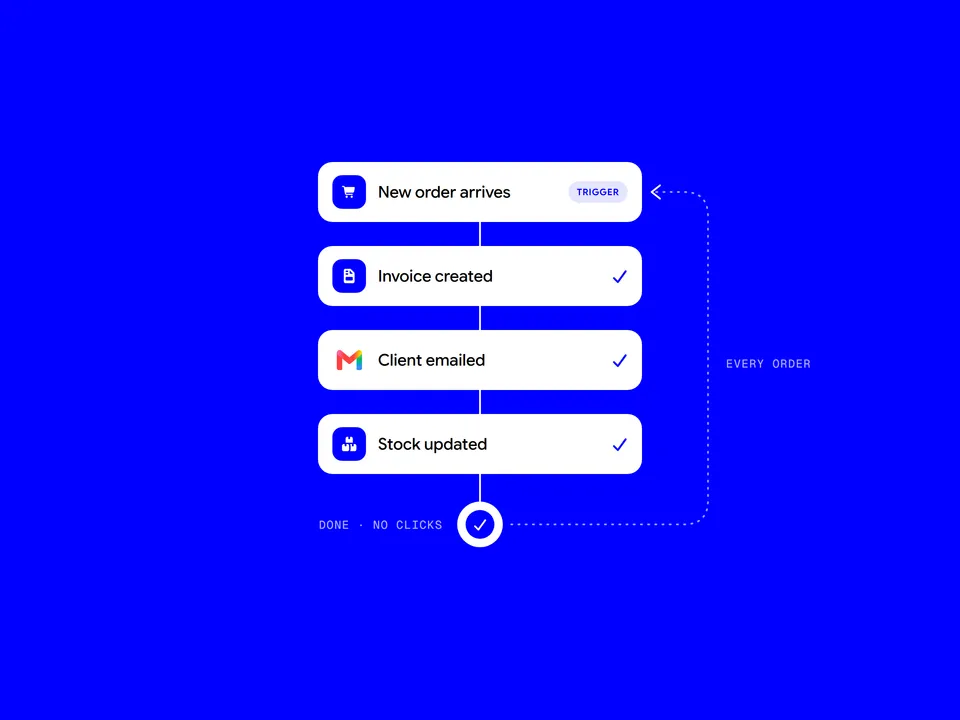
Table of Contents
- What is AI workflow automation?
- Why do most AI automation efforts stall?
- Step 1: How do we find the workflows worth automating?
- Step 2: How do we score and rank the workflows?
- Step 3: How do we run a pilot?
- Step 4: How do we measure whether it works?
- Step 5: How do we scale from one workflow to many?
- What governance does each automated workflow need?
- Should we build, buy, or partner for workflow automation?
- Where does a Company Brain fit in?
- What should we do this week?
- Frequently asked questions
This guide is the method. Each step links to the post that goes deeper: which processes come first, how much the AI may do on its own, what ROI to expect, and what policy you need.
What is AI workflow automation?
AI workflow automation is the use of AI to run a multi-step business process from trigger to finish, with a person checking the steps that matter. It is different from adding one AI tool to one task. A chatbot that drafts replies helps one person. An automated workflow moves the work from one step to the next without someone copying data between screens.
A typical example: an invoice arrives by email. The AI extracts the vendor, the amount, the line items, and the purchase order number. It matches them against the purchase order, flags what does not match, and prepares the entry for the accounting system. A person approves the payment. Every step that used to mean clicking between three tabs now runs on its own, and the person only looks at the result and the exceptions.
How is it different from RPA?
Robotic process automation (RPA) follows fixed rules. It copies clicks and keystrokes, so it breaks when a form field moves or a supplier changes its invoice layout. AI reads the input the way a person does, so it can handle variation and route the cases it cannot handle. Many companies use both. RPA does the fixed steps; AI does the steps that need reading and judgement.
Why do most AI automation efforts stall?
Most stall because companies automate tasks one tool at a time, with no map, no baseline, and no owner. The track record is poor. RAND reports that, by some estimates, more than 80 percent of AI projects fail, twice the rate of IT projects without AI. MIT’s NANDA research found that about 95% of generative AI pilots at companies are failing to deliver measurable returns. Gartner expects that more than 40% of agentic AI projects will be canceled by the end of 2027, because of escalating costs and unclear business value.
The causes repeat: a project starts with a tool instead of a problem, nobody measures the work before the change, and nobody owns the result after launch. The five steps below exist to remove those causes. For the full list of failure patterns, read why AI projects fail.
Step 1: How do we find the workflows worth automating?
Map what really happens, not what the process document says. Sit with the people who do the work and write down each step, who does it, which system it touches, and how often it runs in a week. Most companies find that their real workflows look different from the documented ones. There are extra spreadsheets, side chats, and one person who “just knows” how a case is handled.
While you map, list the AI tools already in use. Teams often buy tools department by department, and staff use tools nobody approved. That inventory tells you what you can connect and what you should retire. Our guides to AI tool sprawl and shadow AI show how to run it.
The output of Step 1 is a list of recurring workflows with three facts each: steps, volume per week, and the systems involved. If you want a ready shortlist to start from, our ranked list of which business processes to automate first covers seven common candidates, from invoice matching to employee onboarding.
Step 2: How do we score and rank the workflows?
Score each workflow on five points. Then rank the list.
| Scoring point | The question | Scores high | Scores low |
|---|---|---|---|
| Volume | How often does it run each week? | Invoice processing, daily | Annual budget planning |
| Rule density | Do most cases follow clear rules? | Expense approval under a set limit | Campaign strategy |
| Measurability | Can we count time or cost before and after? | Ticket routing (handle time) | “Better collaboration” |
| Cost of a mistake | Is a wrong output cheap to catch before it leaves the company? | A draft a person reviews | A payment or a client email sent automatically |
| Systems touched | How many systems does it read or write? | Two or three | Many old systems with no clean connection |
Automate first what scores high on volume, rules, and measurability, has a cheap mistake, and touches few systems. Skip anything that needs deep judgement about people, money, or legal commitments in the first round.
For the quick yes/no test on a single process, use the four questions in the ranked process list. If your list goes beyond process automation, for example new products or data projects, rank it with the framework in AI use case prioritization.
Step 3: How do we run a pilot?
Pick one workflow from the top of the ranking. One, not five. Several pilots at once split attention and make it hard to see what works.
A good pilot has three traits:
- Enough volume to judge quickly. As a rule of thumb, a workflow that runs dozens of times a week gives you enough cases in two weeks.
- Enough time per case to matter. If each case takes a person a few seconds, there is little to save.
- A clear “done” state. Everyone can tell if a case was handled correctly.
Decide up front what the AI may do on its own. In the first weeks it usually prepares and a person approves: the AI drafts the reply, a person sends it; the AI prepares the payment, a person releases it. Widen the limits only when the results earn it. Our guide to AI agent autonomy sets out the levels and explains why reversibility decides how far you go.
Then run the AI next to the manual process for two weeks. Both handle the same cases, and you compare the outputs. This parallel run finds the edge cases that are invisible on a whiteboard: the supplier who sends two invoices in one PDF, the client who replies from a personal address.
Step 4: How do we measure whether it works?
Measure the manual process before you change it. Without a baseline you cannot show a gain, and a project that cannot show a gain loses its budget.
Track four numbers per workflow:
- Time per case, and total hours per week, before and after.
- Accuracy: the share of cases the AI handled correctly, checked by a person on a sample.
- Exception rate: the share of cases sent to a person. It should fall as you fix the causes.
- Cycle time: how long a case takes from trigger to done, for example from invoice received to invoice approved.
If the exception rate does not fall over the first weeks, look at the workflow design before you blame the AI. Unclear rules, missing data, or an input that arrives in ten formats are the usual causes. For realistic timelines and what to report at 30, 60, and 90 days, read what ROI to expect from AI automation in the first 90 days.
Step 5: How do we scale from one workflow to many?
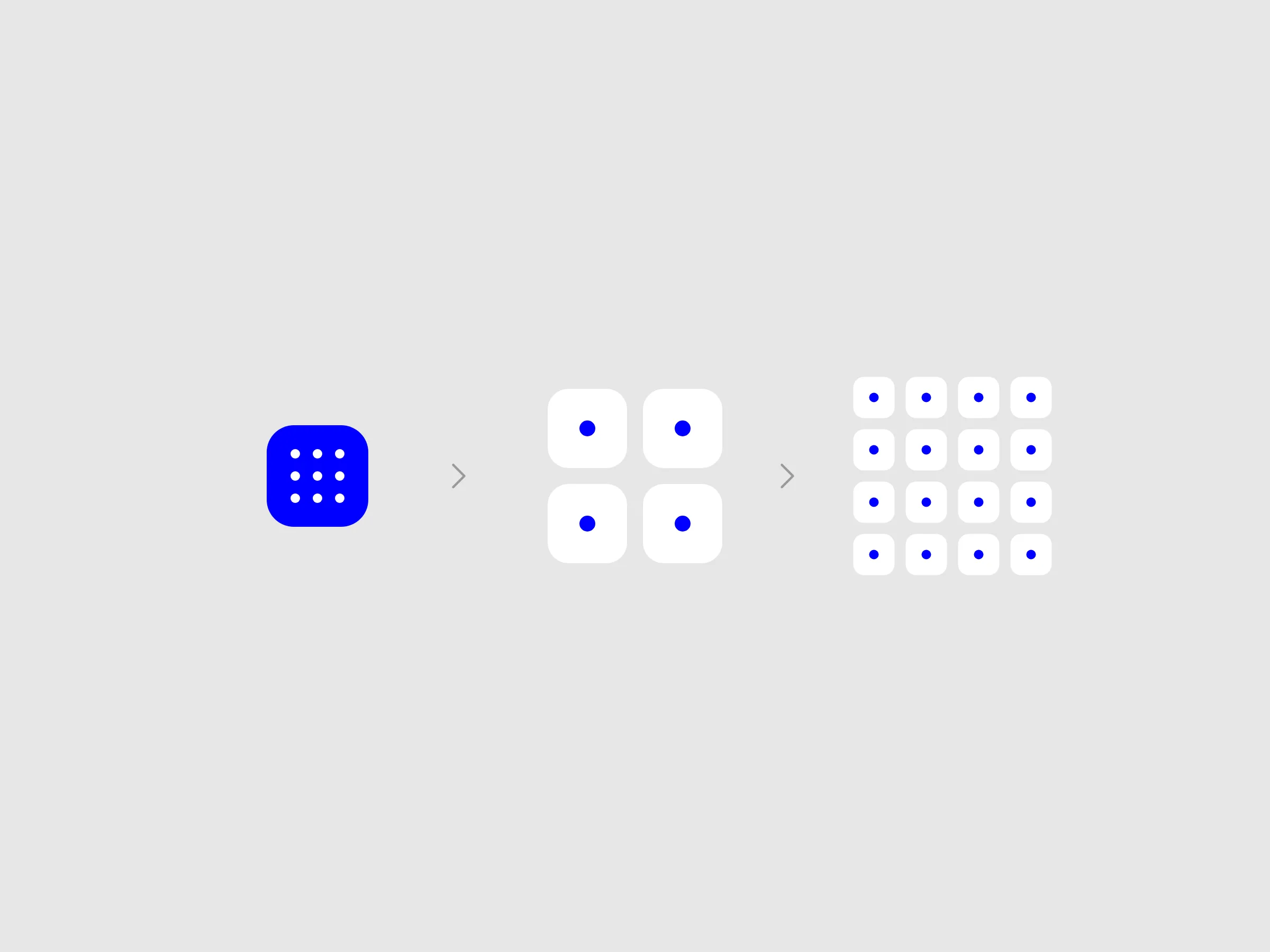
Scale only after the pilot meets its targets. Then connect workflows, because the larger gain sits in the handoffs between departments, not inside one task.
| Approach | Example | What changes |
|---|---|---|
| Isolated automation | AI sorts incoming support tickets | The support team saves sorting time |
| Connected automation | Tickets are sorted, product feedback is tagged, the backlog is updated, the client hears when the fix ships | Support saves time, product sees patterns, and clients get closure without manual handoffs |
A practical order for most small and mid-sized companies:
- Operations workflows (invoicing, procurement, inventory): high volume and easy to measure.
- Client-facing workflows (support, onboarding, follow-ups): they affect retention, so they come once the team trusts the AI.
- Internal workflows (reporting, HR onboarding, compliance): less visible, steady savings.
- Cross-functional workflows (lead to cash, issue to resolution): they join the ones above.
Scaling changes people’s work, so plan for it. Tell people what the AI takes over and what stays with them. Train by role, not with one general course. Our guides on getting employees to use AI, closing the AI skills gap, and how AI agents change team structure cover the people side.
What governance does each automated workflow need?
Every automated workflow needs three things from day one, not after the first incident:
- A decision log. Each automated decision is traceable. When the system approves an expense or routes a ticket, you can see why.
- Escalation rules. Clear rules for when the AI hands a case to a person. Review them each month, and widen the AI’s limits only on evidence.
- One owner. One named person answers for the workflow’s accuracy. Without an owner, nobody notices when quality drifts.
Data rules matter too. Staff who paste client data into unapproved tools create real cost: IBM found that one in five organizations had a breach linked to shadow AI, adding about $670,000 to the cost of a breach. A short policy with one data rule and an approved-tool list prevents most of it. Our AI governance guide gives a five-step policy you can adopt in a week.
Should we build, buy, or partner for workflow automation?
Buy ready-made tools for simple workflows inside one department. Build or have a partner build when the workflow crosses departments or depends on data only you have. The cost, the time to first result, and who maintains the system differ a lot between the three paths. We compare them in one place, with sourced numbers: AI build vs buy for SMBs.
Whatever you choose, keep your data, prompts, and workflow logic portable. A workflow that only one vendor can run is hard to move when prices or products change. See how to avoid AI vendor lock-in.
Where does a Company Brain fit in?
Each automated workflow needs to know your company: the client’s rules, the price list, who approves what. If every automation keeps its own copy of that knowledge, the copies drift apart. A Company Brain is one place that holds how your company works, which people and AI agents can ask. With one, every new workflow reads the same facts from day one.
This is how Superstate works. We first map how the company really works, and the map ranks the tasks that repeat every day by what they cost. Then we build the Company Brain on that map, and the agents that use it. Each agent has one clear job and clear limits, and what matters goes to a person first.
“The pattern I see repeatedly is SMBs that automate the easy stuff — a chatbot, an email responder — and then stall,” says Ivan Ivanov, Software Engineer at Superstate. “The breakthrough happens when you stop automating tasks and start automating the connections between tasks. That’s where the big gains are. A single automated workflow saves hours. Connected automated workflows across departments change how the business operates at a structural level. That’s the difference between adopting AI tools and achieving AI transformation.”
What should we do this week?
Pick the one workflow that your operations manager complains about every Monday. Time how long it takes a person to run it end to end. Count how many times it runs in a week. Multiply. That figure, the hours it takes each week, is the size of the opportunity.
Then score it on the five points in Step 2. If it scores high on volume, rules, and measurability, and a mistake is cheap to catch, you have your pilot. Write down today’s numbers before anyone changes anything. That baseline is what will prove the result in a month.
Frequently asked questions
How do we start automating workflows with AI?
Map how work really moves today, not how the process document says it moves. List every workflow that repeats each week, score each one on volume, rules, measurability, error cost, and the number of systems it touches, and pick one for a pilot. Run the AI next to the manual process for two weeks before you switch.
How much does AI workflow automation cost for a small business?
It depends on the path. A ready-made tool costs a monthly fee per user plus the time to connect it. A custom build or a partner-built system costs more at the start but fits the workflow. Our build vs buy guide compares the three paths with sourced numbers and stated assumptions.
What is the difference between AI workflow automation and RPA?
RPA follows fixed rules to copy human clicks and keystrokes, so it breaks when a form or a screen changes. AI workflow automation reads the input, such as an email or a scanned invoice, and handles variation and exceptions. Many companies use both: RPA for fixed steps, AI for the steps that need reading and judgement.
How long does it take to automate a workflow with AI?
One workflow with clean inputs and two or three connected systems can run in weeks, including a two-week parallel run. A whole department takes longer, because each new workflow adds systems, owners, and exceptions. Scale one workflow at a time, and only after the previous one meets its targets.
Do we need technical staff to run AI-automated workflows?
Not for simple workflows on low-code tools that an operations team can manage. You do need one named owner per workflow who checks accuracy and exceptions every week. Workflows that cross several systems or old software need technical help, either in-house or from a partner who stays after the build.

Want to know more about what we do? Visit the Superstate website.