AI Tool Sprawl Is the New Technical Debt for SMBs
Too many disconnected AI tools cost SMBs time and money. Learn the signs of AI tool sprawl and a five-step plan to consolidate around workflows.

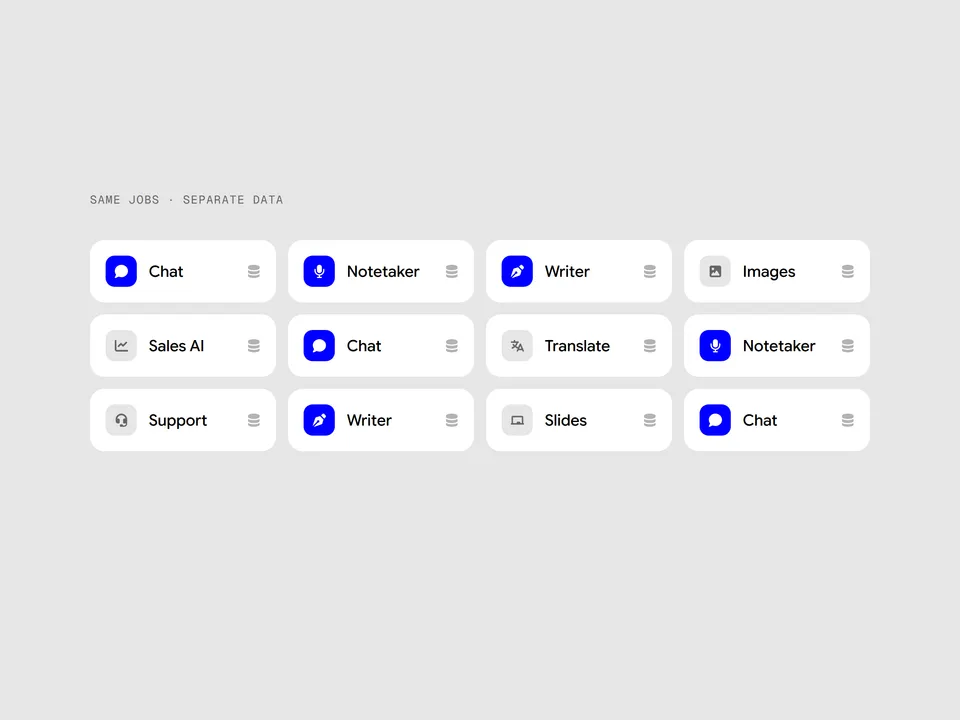
Table of Contents
For example, picture a 45-person logistics firm that added a scheduling optimizer as its seventh AI tool. It already has a writing assistant, a customer-service chatbot, a forecasting model, an AI-powered CRM, a document processor, and an analytics dashboard. Each tool works. None of them talk to each other. The staff now spend more time moving data between AI systems than the AI saves on any single task. This is an illustration, not a real client.
AI tool sprawl - the uncontrolled accumulation of disconnected AI applications across a business - is a form of technical debt. Most companies do not see it until the expected productivity gains stop showing up.
What is AI tool sprawl?
AI tool sprawl occurs when a business adopts several AI applications that run independently. Each handles a narrow function without sharing data, context, or workflows with the others. Customer data lives in one tool, operational insight sits in another, and nobody has a complete picture.
Adoption is wide. The SBE Council’s 2026 survey found that 82% of small business employers have invested in AI tools. For the wider adoption data, see our AI adoption gap analysis. Much of it happens without a central owner, which is how shadow AI appears: tools that leadership cannot see or manage.
How big is the problem?
A Zapier survey on AI sprawl found that 70% of enterprises have not moved beyond basic integration for their AI tools. It also found that 76% of enterprises had at least one negative outcome because of disconnected AI. The survey covers enterprises, so treat the numbers as a warning sign for smaller firms, not as an SMB measure.
The human cost is real too. One analysis of AI fatigue reports that workers lose an average of 51 minutes a week to “tool fatigue” from switching between applications. That adds up to 44 hours a year for each employee.
Boston Consulting Group researchers describe “AI brain fry.” In a survey of 1,488 U.S. workers, Fortune reports that people with high AI oversight spent 14% more mental effort and reported 19% greater information overload. The same article says self-reported productivity dropped when people used four or more AI tools.
You can estimate your own cost without outside numbers. Multiply seats by monthly price for each overlapping tool, then add the hours your team spends moving data by hand.
Why are SMBs especially vulnerable?
Large enterprises have governance frameworks, procurement boards, and platform teams that catch tool growth early. Many SMBs have a founder who searches “best AI tool for invoicing” at midnight and subscribes before breakfast. Three habits make sprawl likely:
Speed of adoption without architecture
Each tool is added to fix an immediate pain point. That is a reasonable choice alone. In total it builds a system no one designed.
Department-level buying
Marketing picks a writing tool. Sales picks a lead scorer. Operations picks a scheduler. Each team optimizes its own workflow without coordinating with the others.
The “good enough” trap
Each tool shows visible value, so it clears its own ROI bar. Nobody asks whether the whole collection clears the bar as a system. The total cost of subscriptions, integration effort, training, and split data stays hidden.
AI sprawl vs. AI vendor lock-in vs. integrated AI
Three strategies carry different risks for SMBs.
| AI tool sprawl | AI vendor lock-in | Integrated AI infrastructure | |
|---|---|---|---|
| Definition | Many disconnected AI tools from multiple vendors | Heavy dependence on one AI vendor’s ecosystem | A connected layer across data, workflows, and tools |
| Primary risk | Split data, repeated costs, tool fatigue | Switching costs, less flexibility, vendor pricing power | Higher upfront effort, needs architecture planning |
| Data flow | Siloed: each tool holds its own data | Centralized but proprietary | Connected across functions |
| Integration effort | High and ongoing (manual bridges) | Low at first, high when you try to leave | Moderate upfront, falling over time |
| Typical SMB path | Starts here by accident | Ends here out of frustration | Arrives here on purpose |
Most SMBs start in the left column. Some drift to the middle when someone tries to put everything under one vendor. The right column needs deliberate design around your real workflows. For the lock-in side, read how to avoid AI vendor lock-in.
What are the signs of an AI sprawl problem?
Each symptom looks minor alone. Together they form a pattern:
- No single source of truth. Customer data lives in the CRM’s AI, the chatbot’s logs, and the analytics dashboard, and the three versions do not match.
- Copy-paste workflows between AI tools. Employees export from one tool, reformat, and import into another. The automation created new manual steps.
- Overlapping subscriptions. Two or more tools do similar work for different teams, and neither shares its output.
- Shadow AI. IT cannot list every AI tool in use. Staff signed up with personal emails or free tiers that later became paid.
- Flat productivity despite rising AI spend. Completion times, error rates, and employee satisfaction do not improve.
How do you diagnose and fix AI tool sprawl?
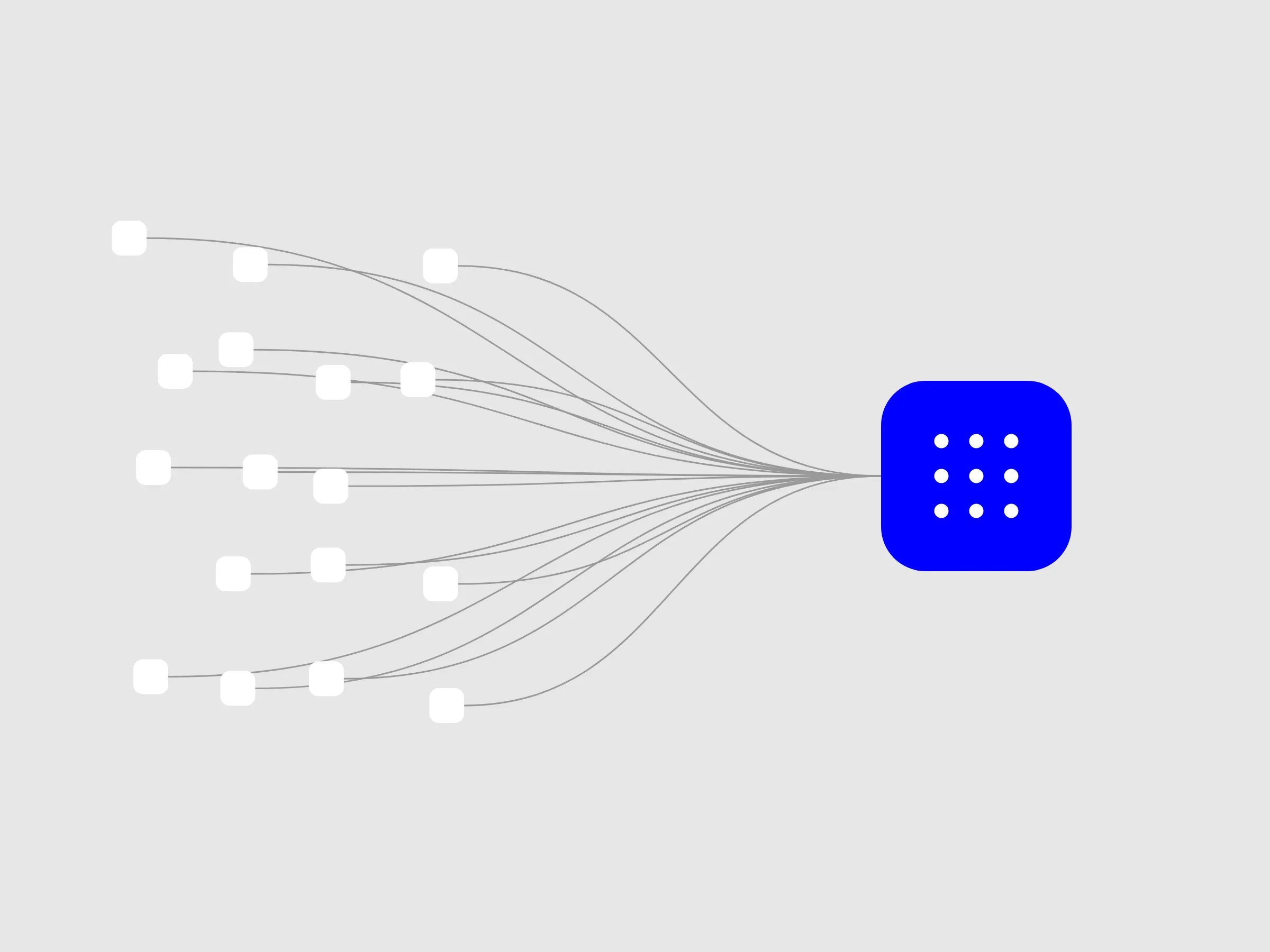
Treat AI as infrastructure, not as a set of apps.
Step 1: Audit every AI tool
Build a full inventory. Include subscription cost, number of users, data inputs and outputs, and the business process each tool supports. Expect to find tools that leadership did not know existed.
Step 2: Map data flows and find the silos
For each tool, write down what data it takes in, what it produces, and where the output goes. The gaps show quickly: customer data that never reaches the sales tool, or support trends that never reach product planning.
Step 3: Score each tool on integration potential
Not every tool must go. Some standalone tools give clear value without any connection. The question is whether a tool’s isolation creates downstream costs, such as manual transfer, duplicate analysis, or conflicting advice.
Step 4: Consolidate around workflows, not features
Many companies consolidate around a vendor: they pick one platform and push everything into it. A better route is to map the five to ten workflows that drive the business. Then choose or build an AI layer that serves those workflows end to end. Our guide to AI workflow automation shows how to pick and sequence them.
Step 5: Set a review rule for new purchases
Before any team adds a subscription, ask three questions. Does an existing tool already do this? Will its data connect to our systems? Who owns it after the free trial ends? A rule like this is the start of an AI governance policy.
What does doing nothing cost?
Every month of fragmented AI adds more siloed data, more overlapping subscriptions, more fatigue, and more integration work for a later cleanup. The firms that pull ahead are not the ones with the most AI tools. They are the ones where data from one system informs decisions in another.
A Company Brain is one answer to the silo problem. In short, it is a shared, sourced memory of your business that your tools and people can read; see what a Company Brain is. Superstate maps how a company really runs, builds a Company Brain on that map, and builds AI agents for the tasks the team repeats most. The mapping is free, and you pay only if you accept the offer.
Frequently asked questions
What is AI tool sprawl?
AI tool sprawl is the uncontrolled build-up of disconnected AI tools in a business. Each tool works alone and shares no data or workflow with the others. The result is split data, repeated subscriptions, and manual work to move information between tools.
How much does AI tool sprawl cost?
The cost depends on your tools, seats, and wages, so audit your own. One survey found that workers lose an average of 51 minutes a week, 44 hours a year, to switching between applications. Add the subscriptions that overlap and the time spent moving data by hand.
How do you consolidate AI tools in a business?
Audit every AI tool in use, map the data each one reads and writes, and score each tool on integration. Then consolidate around your core workflows, not around one vendor. Require a short review before any new AI subscription.
What is the difference between AI tool sprawl and AI vendor lock-in?
AI vendor lock-in ties you to one provider that is hard to leave. AI tool sprawl is the opposite: many tools from many vendors that do not connect. Both cut ROI, but sprawl is harder to see because each tool looks useful on its own.

Want to know more about what we do? Visit the Superstate website.